When using WordPress with Jetpack plugin, the image in the post will be automatically optimized to use Jetpack CDN:
https://i0.wp.com/...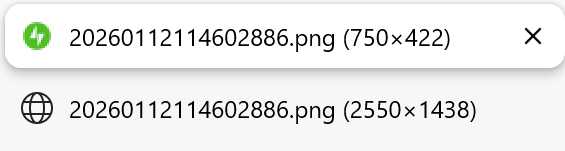
And such image hosted on CDN could have lower quality compared to the original image you provided.
To avoid this, we could go to the Jetpack settings to disable image optimation:
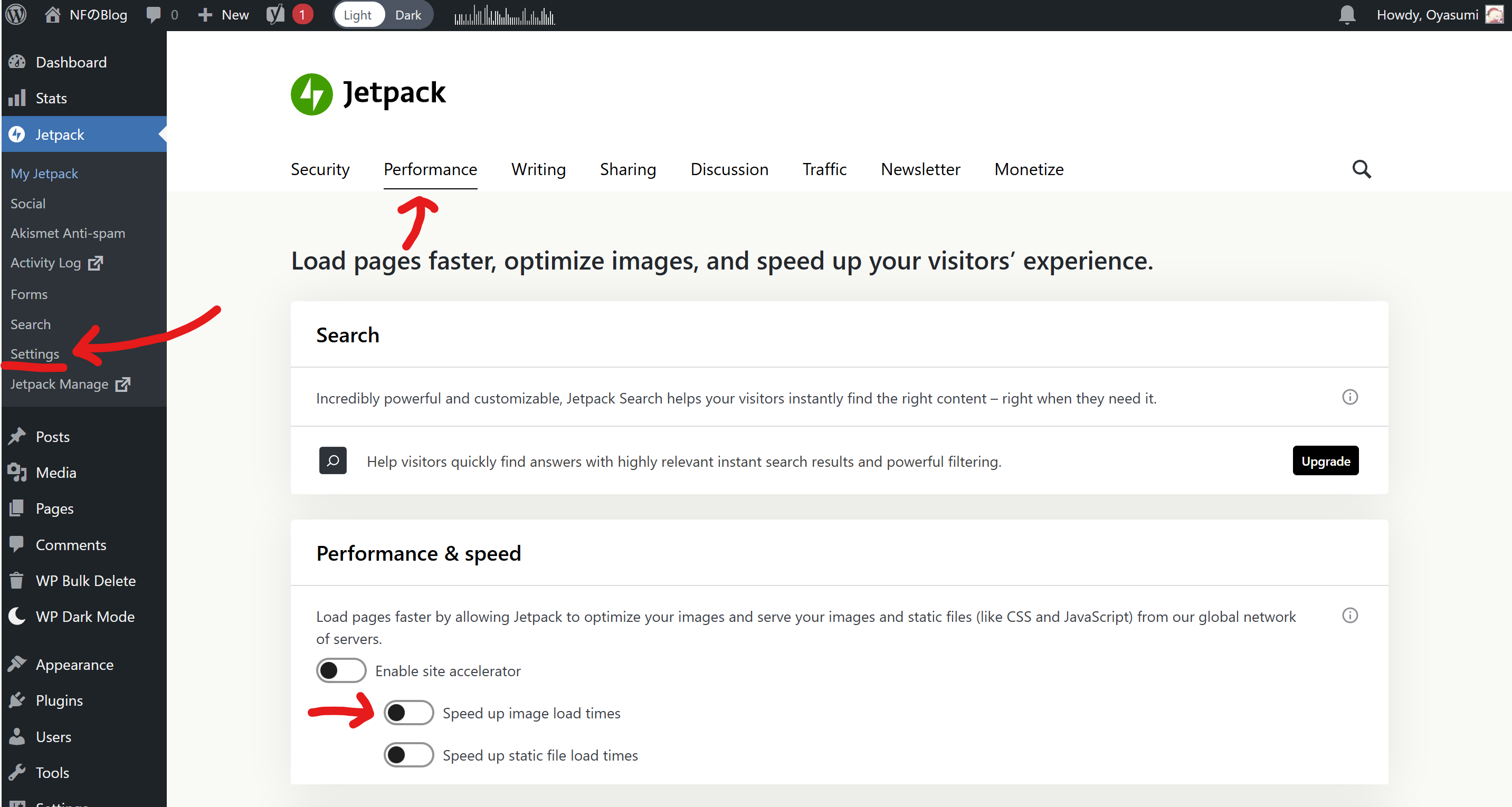
After this, the image should now load as its original resolution.