Previously trying to use NextCloud and webdav as the way to upload and manage images, but it turns out that deal with share links of those images in NextCloud is not a easy thing to do, so I started to think another way.
I found this project on GitHub called PicGo, which allows user to configure FTP upload destination by install FTP upload plugin.
Configure FTP Site
{
    "gc_2t": {
        "url": "https://img.nfblogs.com",
        "path": "/picgo/{year}/{month}/{fullName}",
        "uploadPath": "/picgo/{year}/{month}/{fullName}",
        "host": "<ip_addr>",
        "port": 21,
        "username": "imgupload",
        "password": "<ftp_password>"
    }
}
After this, I could use PicGo desktop software to upload image to my server folder by just one click:
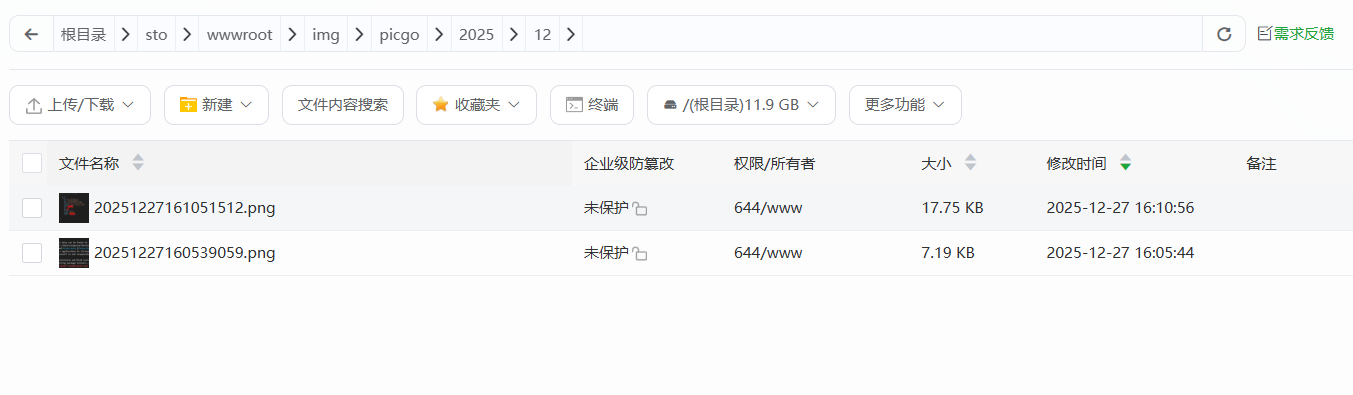
Then all I need to do is to configure a static website to serve these photos.
Drawbacks
The drawbacks are:
- No advanced image management
- No statistics
- FTP connection is not stable
The connection issue is the most annoying one, especially use with network proxy software. The upload could fail with some certain network proxy.